Wireless microphone frequencies in New Zealand: what you can legally use
Wireless microphones are the part of a sound system most likely to cause a problem on the day, and the reason is almost always frequency. Buy the wrong system, or bring one back from overseas, and you can end up with gear that drops out, interferes with someone else, or is not legal to use here at all. This guide covers what you can use in New Zealand, and how to keep a show clean.
You do not need a licence, but there are rules
In New Zealand, radio microphones run under general user licences administered by Radio Spectrum Management, the unit within the Ministry of Business, Innovation and Employment that looks after the radio spectrum. You do not apply for anything in your own name and there is no fee.
What you do accept is secondary status. In Radio Spectrum Management's words, you share the spectrum with other users, you must tolerate interference, and you must not cause interference to licensed systems. In practice that means your microphone has no protection: if a licensed service turns up on your frequency, moving is your problem, not theirs.
The bands you can use
Radio microphones in New Zealand operate under general user spectrum licences 272800 and 272801 in these ranges:
- 502 to 606 MHz, the 500 MHz band
- 622 to 698 MHz, the 600 MHz band
- 1785 to 1805 MHz, the 1800 MHz band
There are further bands available under the Short Range Devices general user radio licence, which is what digital systems working at 2.4 GHz use.
In the two UHF ranges you are sharing with digital television, so you work in the unused channels and the gaps between broadcasters. Those gaps differ from city to city, which is why a system that behaves perfectly in Auckland can misbehave in another region on the same preset.
The 700 MHz trap
This is the one that catches people out, and it is expensive. Older wireless microphone gear, and plenty of equipment sold in other countries, tunes above 698 MHz. That spectrum has been reallocated to mobile networks. A cellular tower will comfortably overpower a microphone transmitter, so at best you get dropouts and at worst you are interfering with a licensed service.
Two situations to be careful about:
- Second-hand bargains. A cheap used system is often cheap because its tuning range is no longer usable here.
- Gear bought overseas or online. United States and European models are tuned for their own allocations, which do not line up with ours. A system covering 470 to 608 MHz, for example, sits partly outside the New Zealand range.
Before you buy anything, check the actual tuning range printed on the receiver against the bands above. If it does not sit inside them, it is not the right system for New Zealand no matter how good the price looks.
What is likely to change
Radio Spectrum Management has flagged that 612 to 652 MHz and 663 to 703 MHz are likely to be used for mobile in future. That does not stop you using radio microphones there now, but it is worth knowing if you are specifying a system meant to last ten years in a school hall or a church. It is a good reason to buy something with a wide tuning range rather than a fixed-frequency unit.
Keeping a show clean on the day
Even entirely legal gear will misbehave if it is set up carelessly. The habits that matter:
- Scan on site, not at the office. Most professional receivers will scan for a clear channel. Do it in the actual room, on the actual day, with the venue's other equipment switched on.
- Coordinate the whole set together. Microphones that are individually clear can still interfere with each other. Two transmitters can combine to produce a third signal that lands on a channel you are using, so systems need to be spaced across the band deliberately, not just set to whatever is free.
- Get the antennas up and in sight. Radio does not like being behind a wall, a metal rack door or a crowd. Line of sight between transmitter and receiver solves a surprising number of dropouts.
- Fresh batteries, every time. A transmitter running low does not fade politely, it drops out. For a full day, plan a change at the break.
- Count your channels honestly. The more microphones in the air at once, the more careful the coordination. Six radio microphones in one room is a different job from two.
When it is worth going wired
Wireless is not automatically better. A lectern that never moves, a choir microphone, a fixed pulpit: these are all better served by a cable. Every wireless channel you add is another thing to coordinate, power and monitor. Use wireless where people genuinely move, and wire the rest.
Where to check, and where we can help
Radio Spectrum Management's radio microphone page is the authority, and it is the place to confirm the current bands and conditions before you commit to equipment.
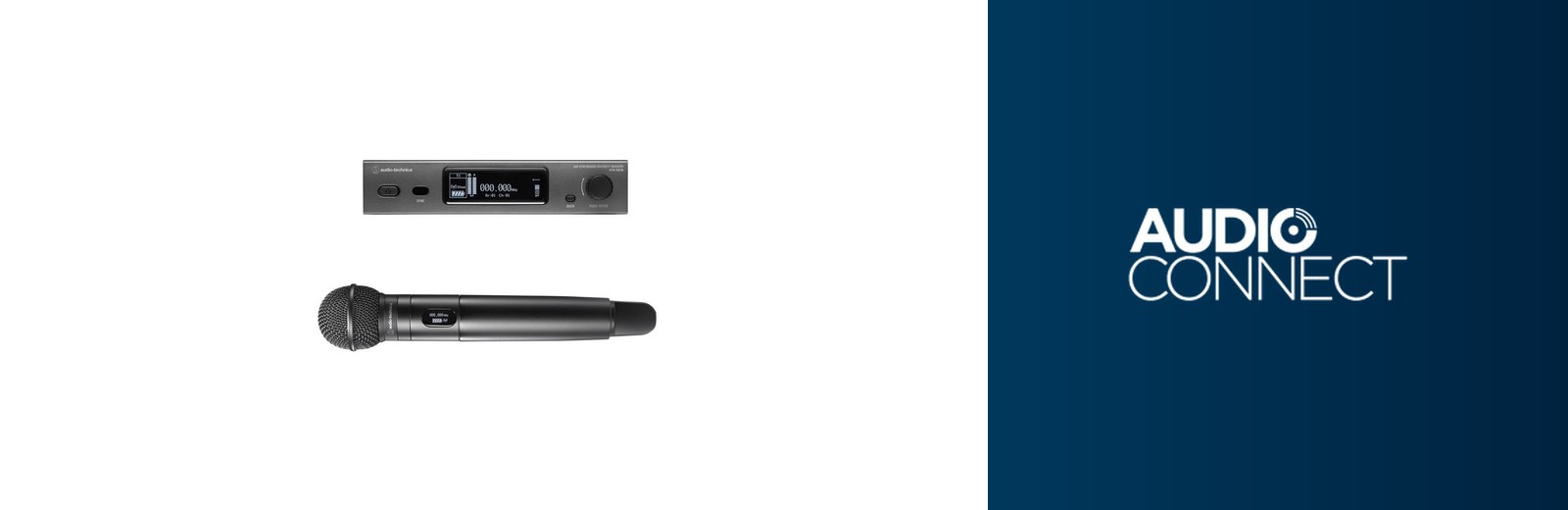
If you would rather not work it out yourself, that is what we do. We supply and install Audio-Technica wireless systems that are correct for New Zealand, coordinate multi-channel setups for conferences and productions, and hire out frequency-coordinated microphones for events. Browse wireless microphones, see our AV installation and sound and AV hire services, or get in touch with what you are trying to do.